You won’t find
Podman1
in the default repositories configured on Linux Mint. To install it
using apt you will need to configure a third party
repository that provides a Debian package for it. The Kubic
project2
provides recent packages for Podman (in addition to other useful tools
for working with containers). It’s worth noting that the project does
not provide a specific Linux Mint build but, being a Debian-based
distribution, the Ubuntu build seems to work just fine.
I use the Ubuntu 20.04 source in this example. You could also use the other Debian-based build targets shown below, though your mileage may vary.
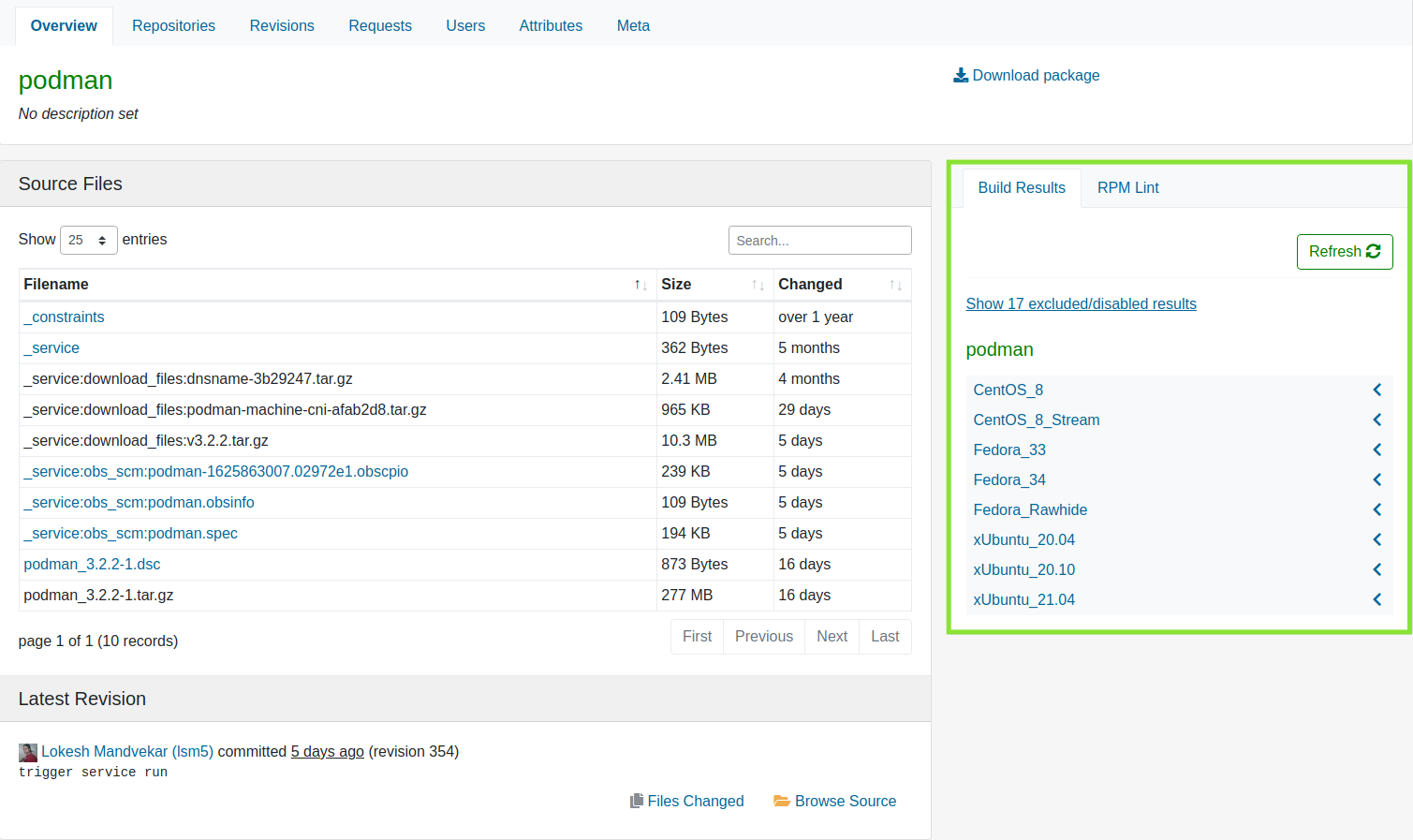 Kubic Debian-based build targets in Open Build Service.
SOURCE="xUbuntu_20.04"
# Adds the Kubic Debian repository to the systems apt sources.
echo "deb https://download.opensuse.org/repositories/devel:/kubic:/libcontainers:/stable/${SOURCE}/ /" | sudo tee /etc/apt/sources.list.d/devel:kubic:libcontainers:stable.list
# Adds the repository encryption key for verifying package signatures.
curl -L "https://download.opensuse.org/repositories/devel:/kubic:/libcontainers:/stable/${SOURCE}/Release.key" | sudo apt-key add -

sudo apt update
sudo apt install podman
Now you can verify your installation.
podman run hello-world